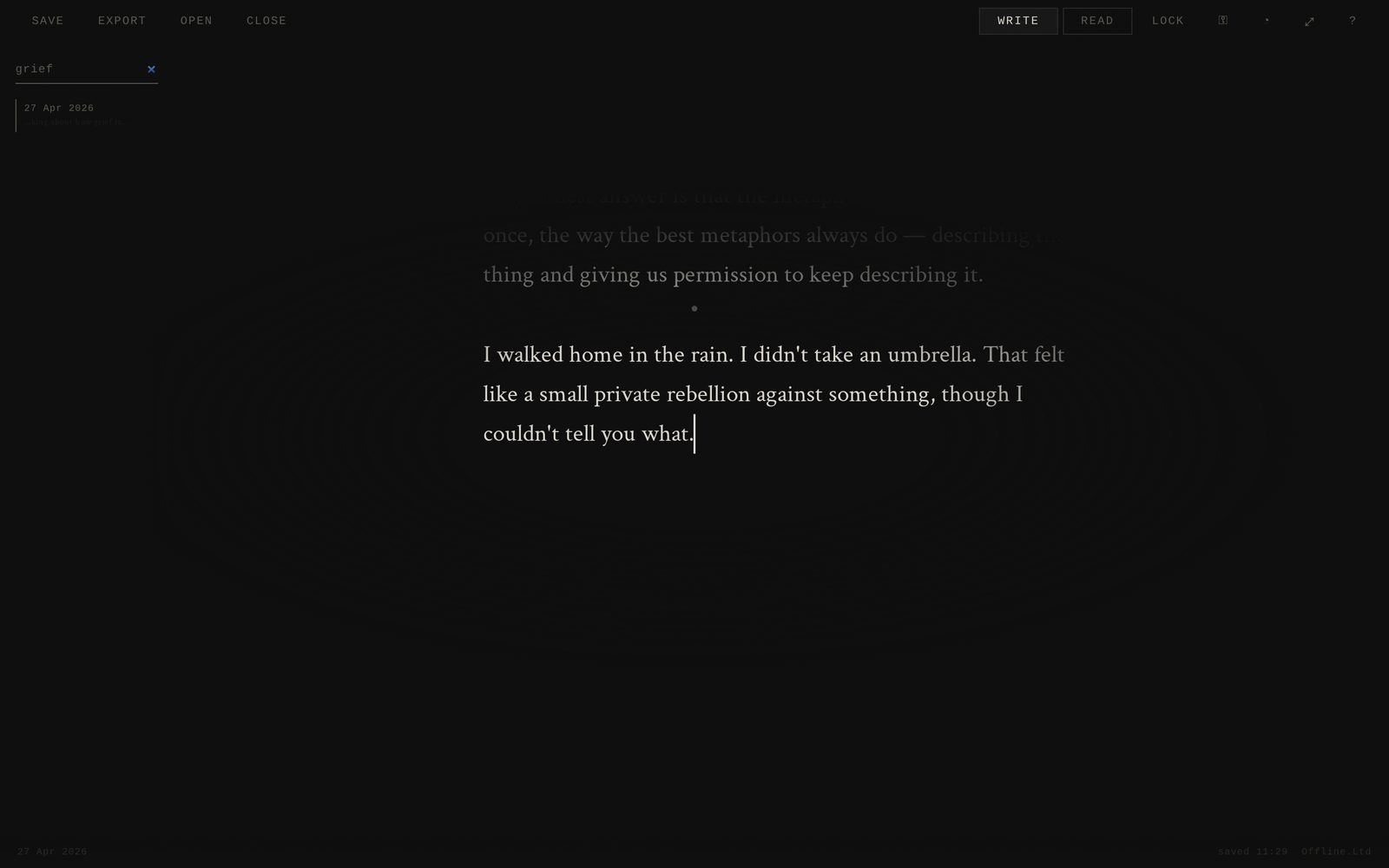
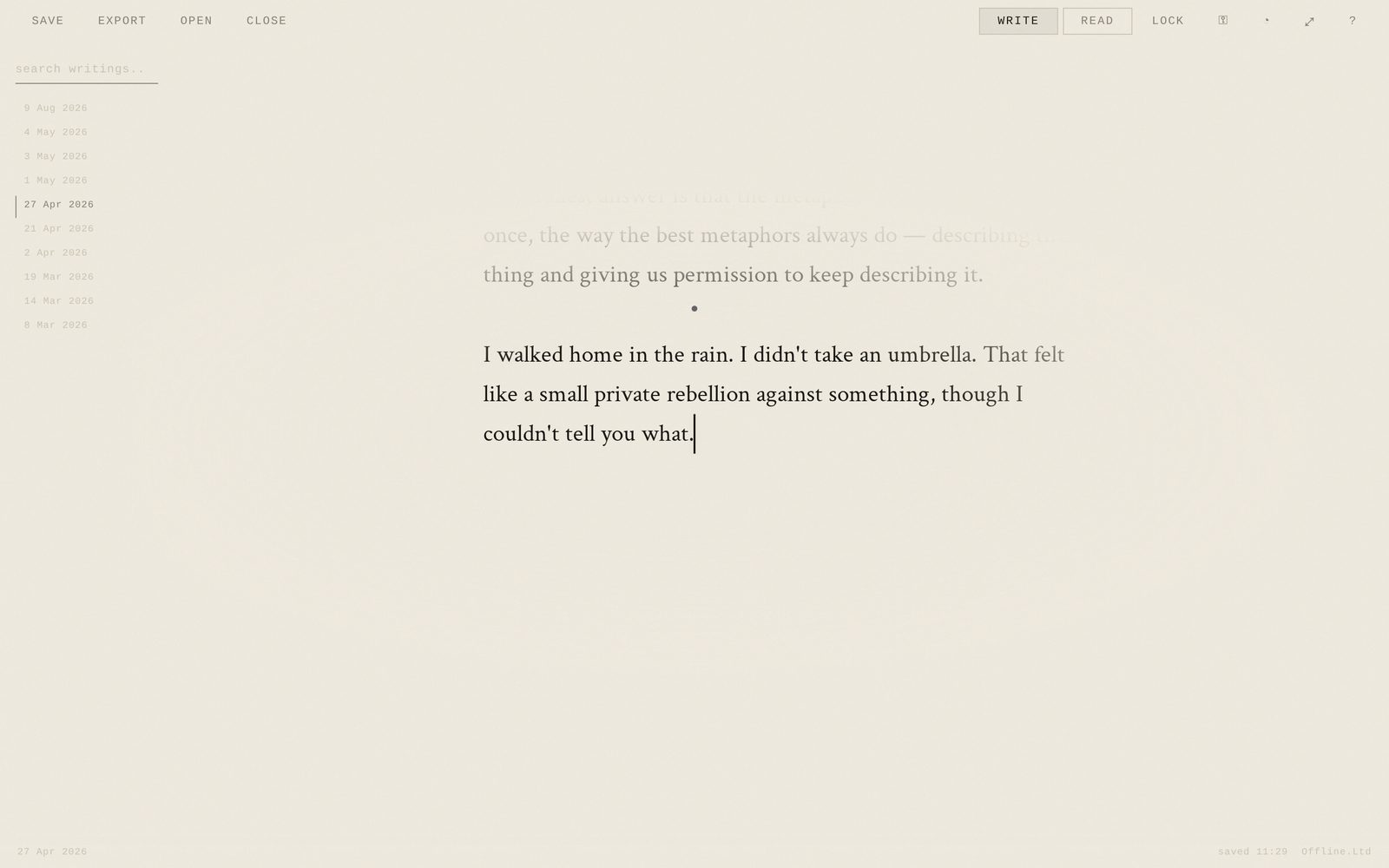
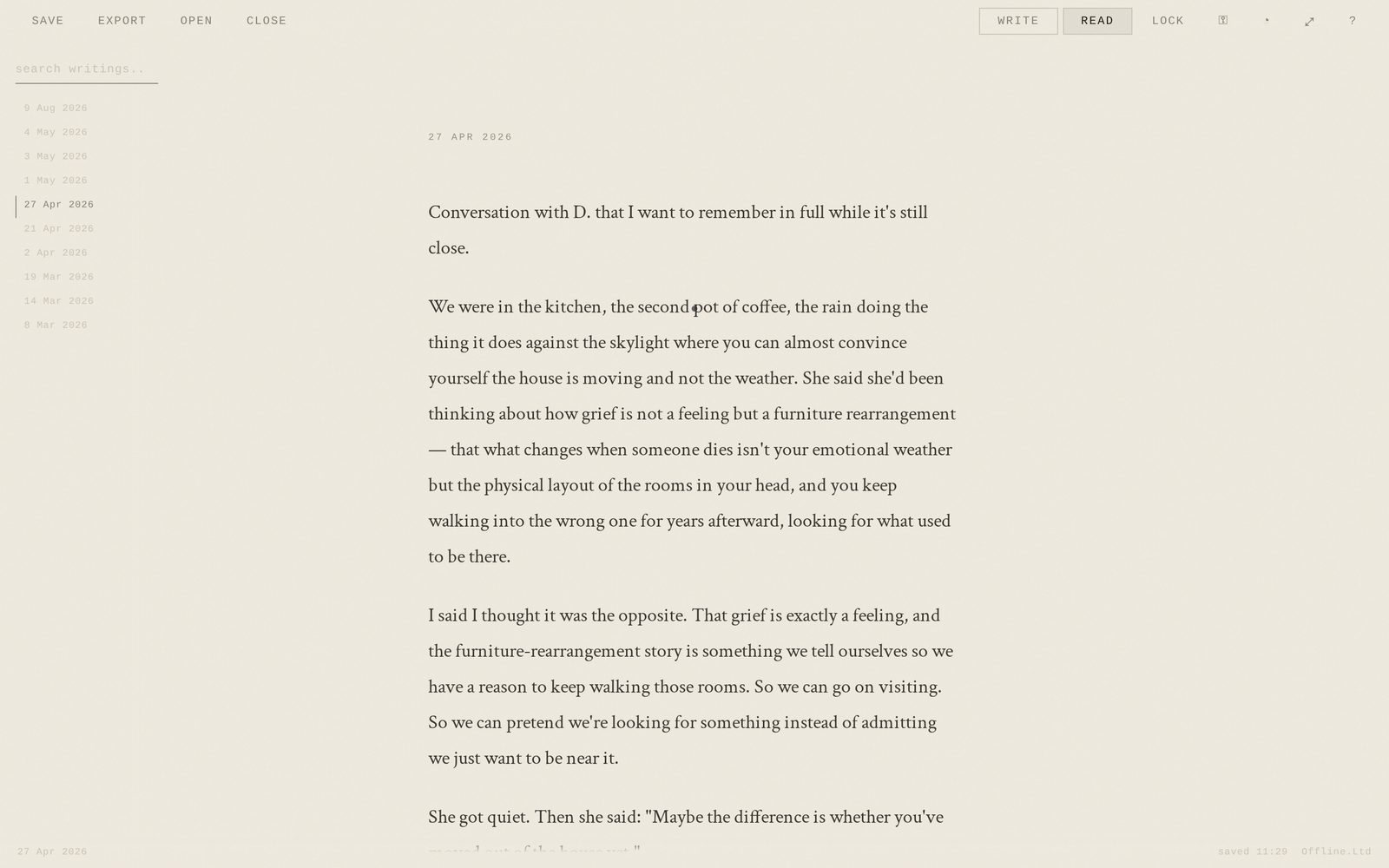
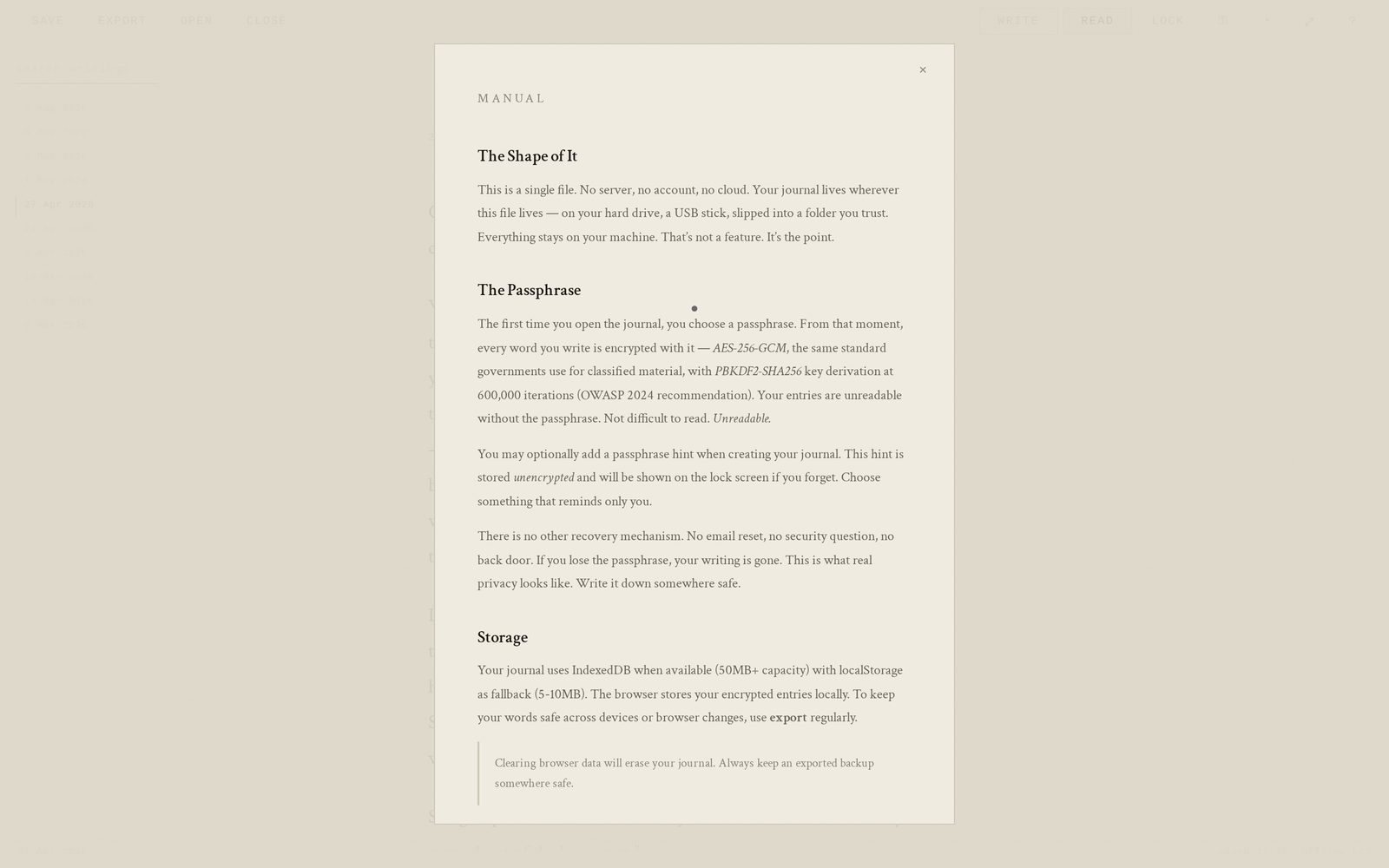
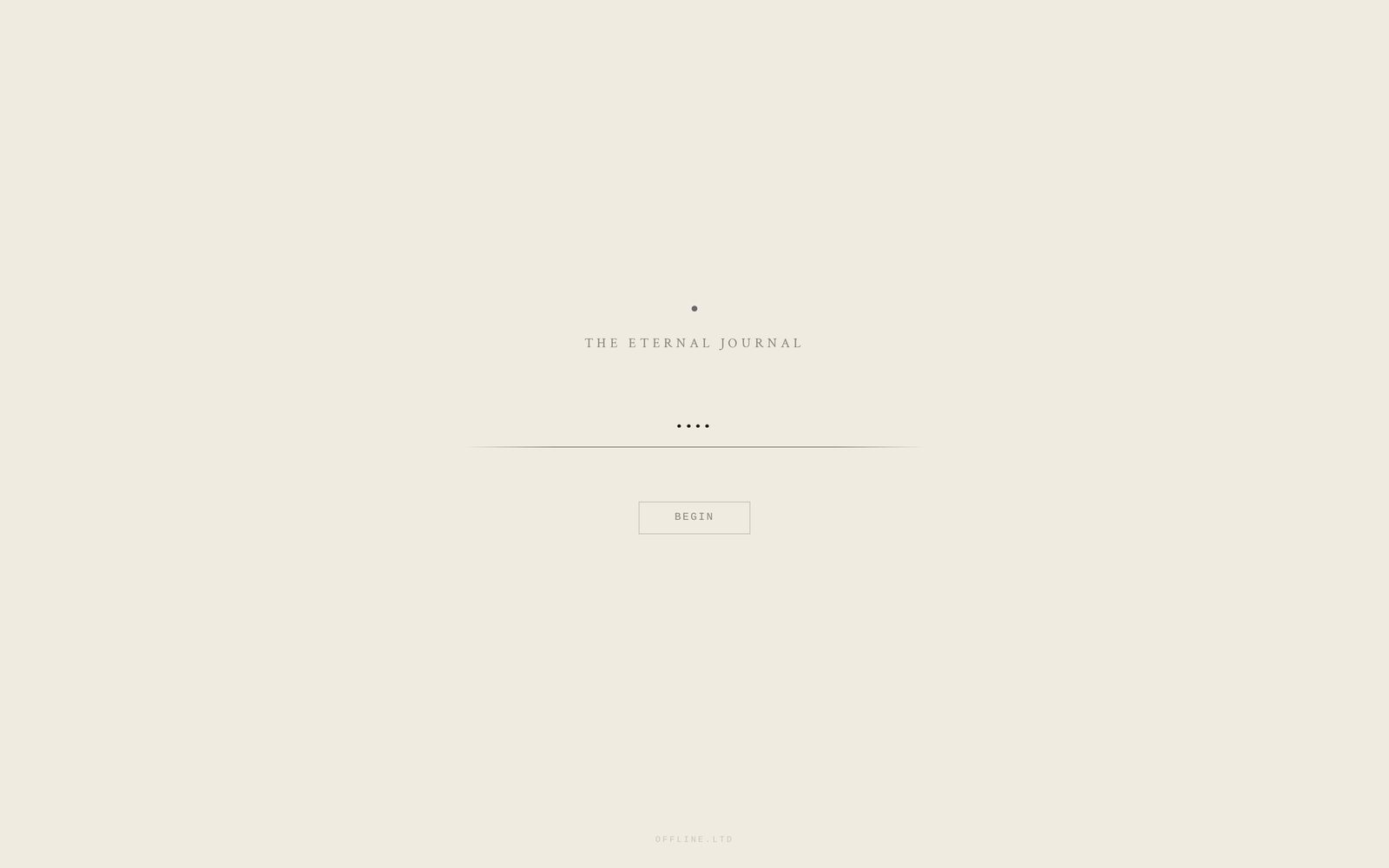
Screenshots Fifteen states of the actual application — write, read, search, manual, and lock — in both the dark and the parchment theme. Every image is a real capture of the running journal, not a mock-up.
Prefer to touch it? Open the live demo .
01
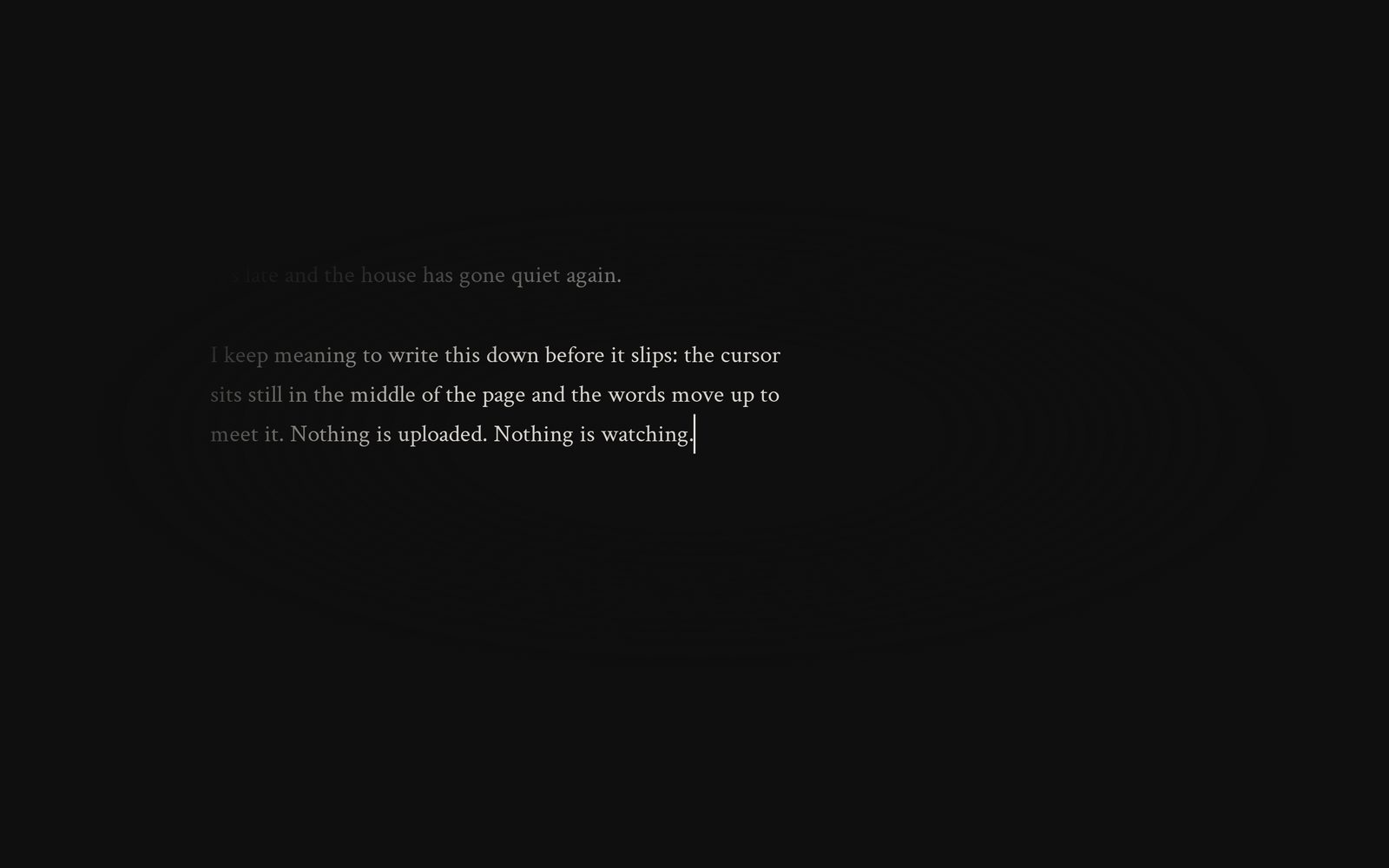
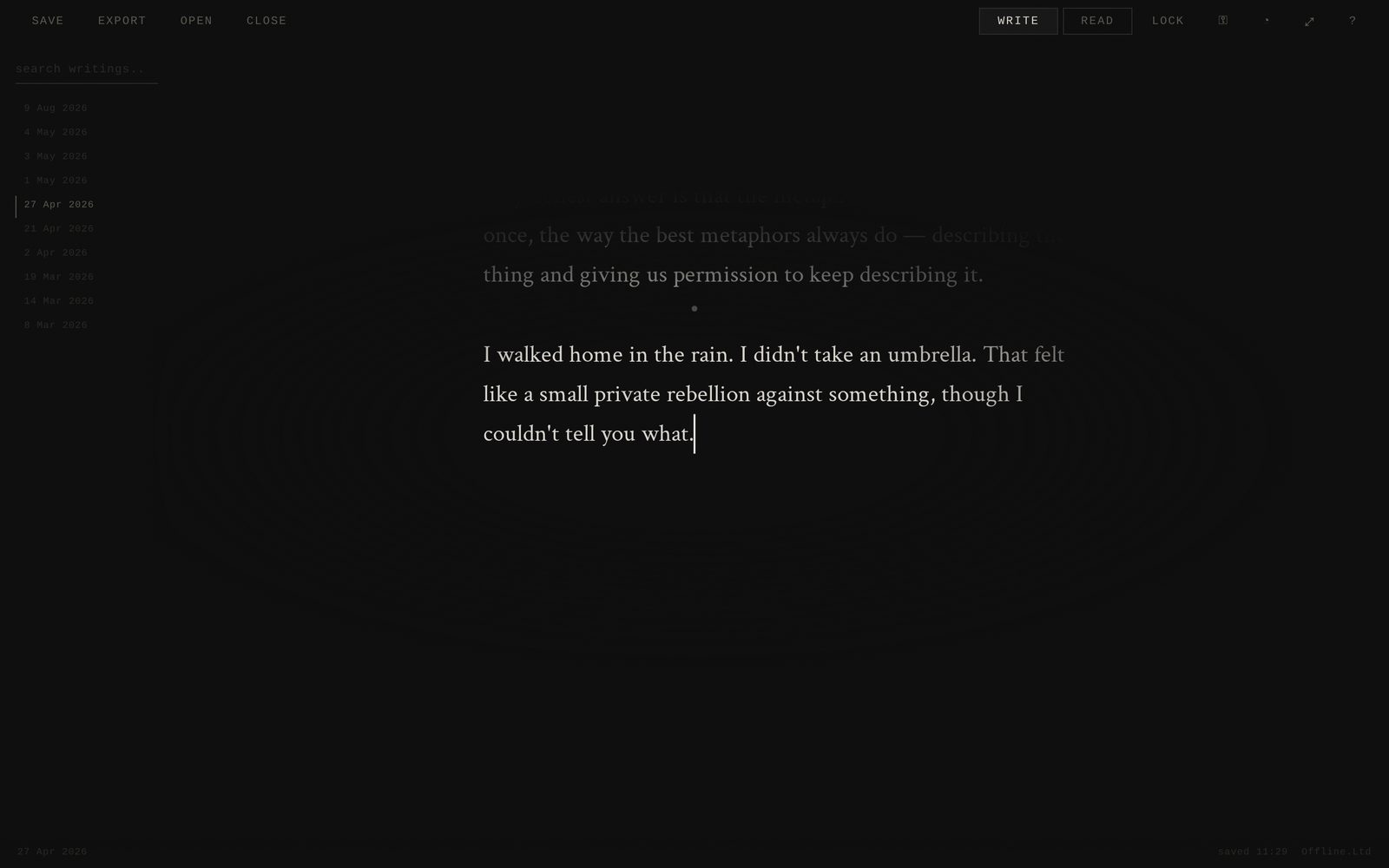
Focus mode, centred cursor Dark Write Nothing but the line you are writing. The cursor stays centred on screen and the page moves under it. 02
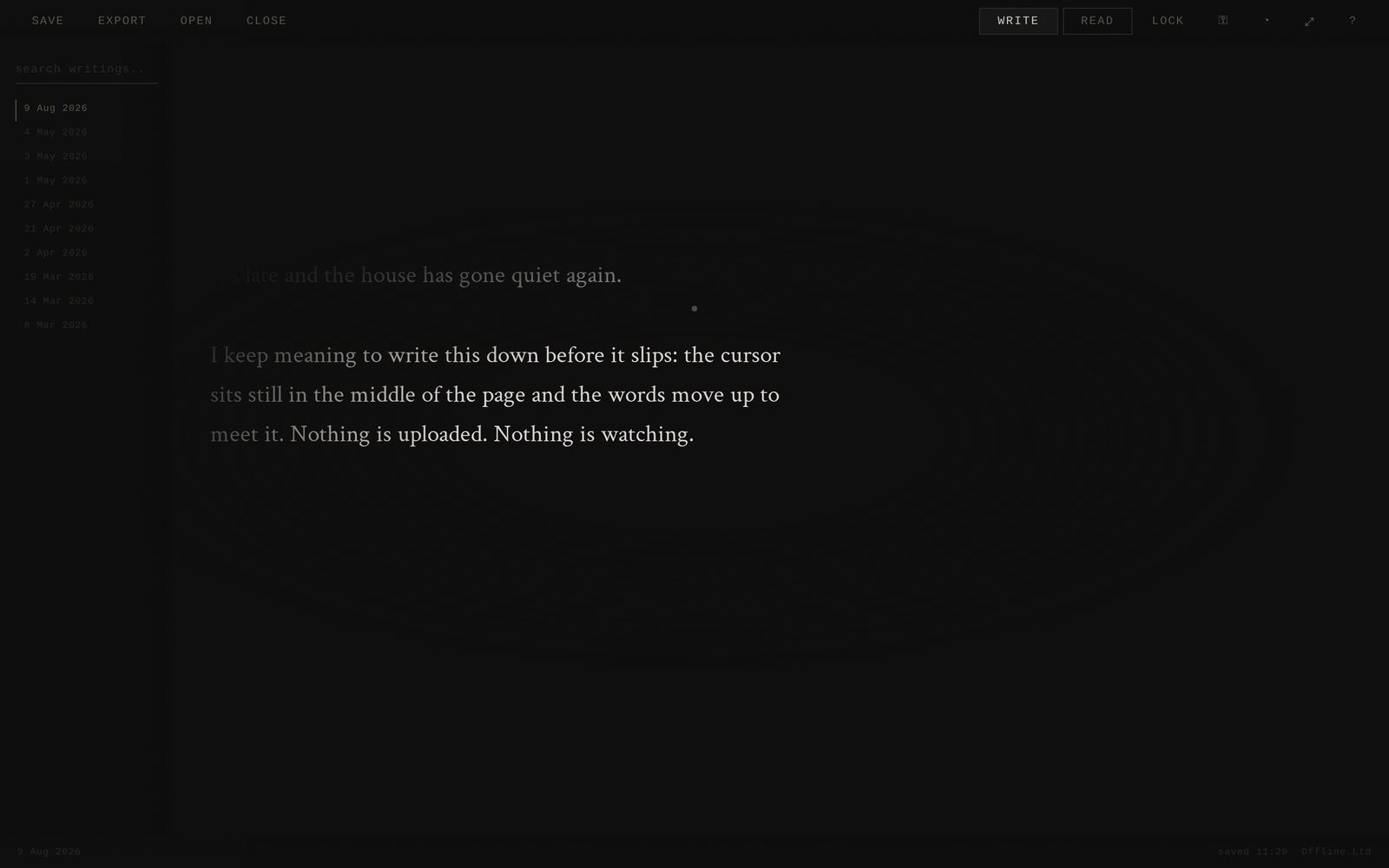
Write view with controls Dark Write Move the mouse and the controls fade in: entries, search, theme, read mode, lock. 03
Entry list Dark Write Every entry is dated and stored in one encrypted file. No folders, no tags to maintain. 04
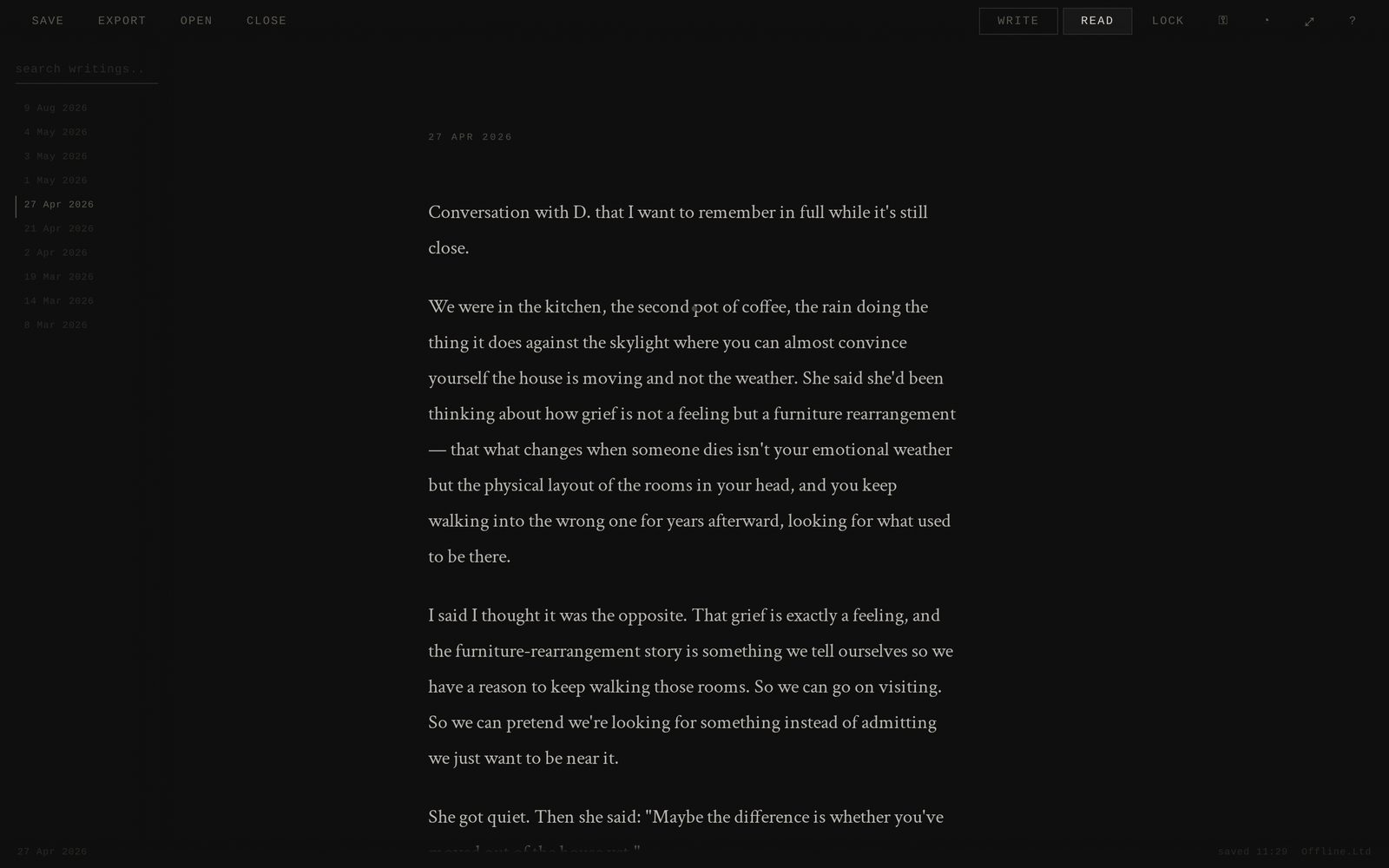
Read view Dark Read The same journal set as continuous text for re-reading rather than writing. 05
Search across everything Dark Search Full-text search over decrypted entries — here, every mention of "grief" across the journal. 06
Write view, parchment theme Light Write The light theme is warm paper, not office white. 07
Read view, parchment theme Light Read Reading back years of entries in the light theme. 08
Built-in manual Light Manual The whole manual ships inside the file. No website required to learn the app. 09
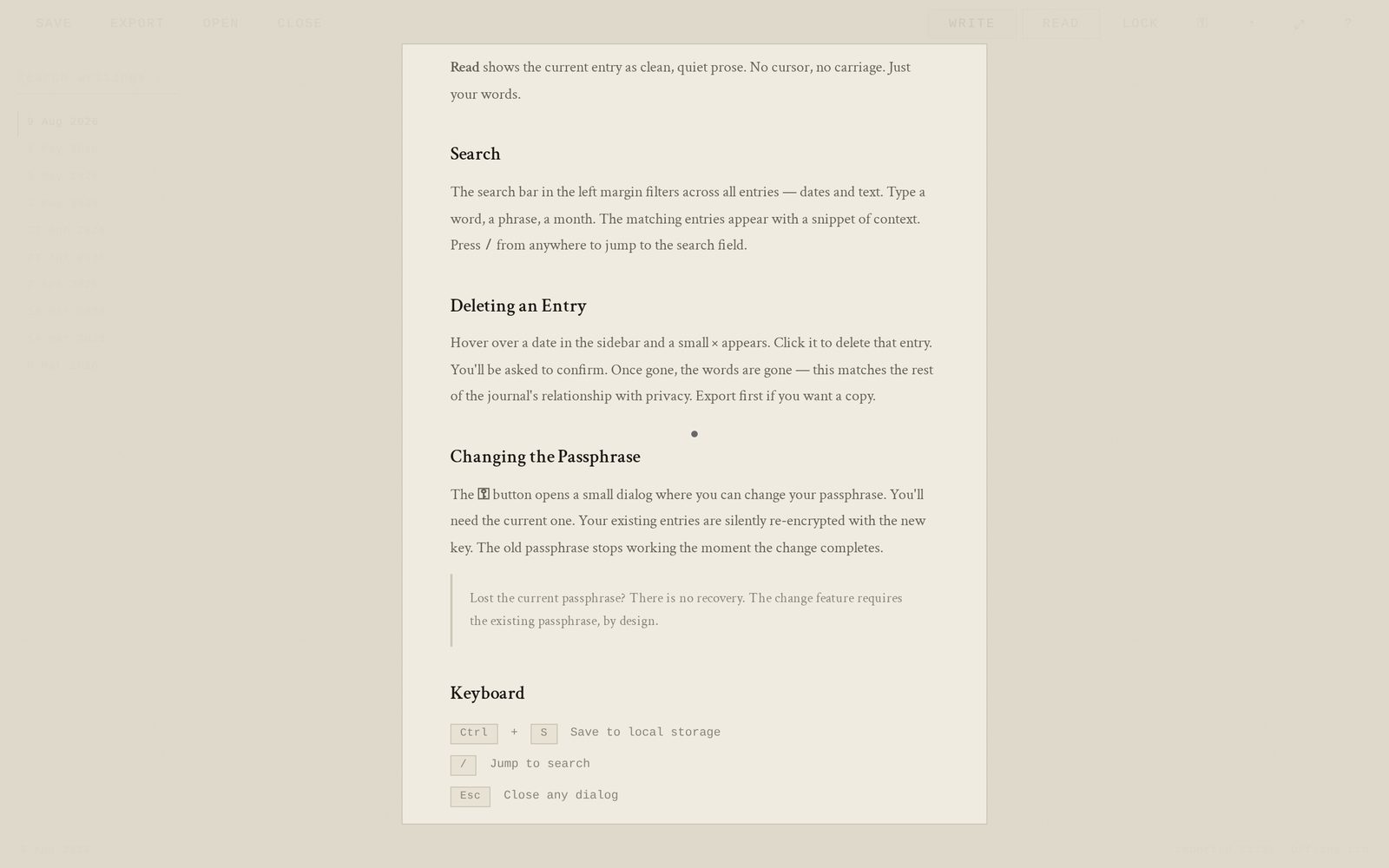
Manual — search, deleting, passphrase Light Manual Scrolled to the sections on search, deleting entries, changing the passphrase and keyboard shortcuts. 10
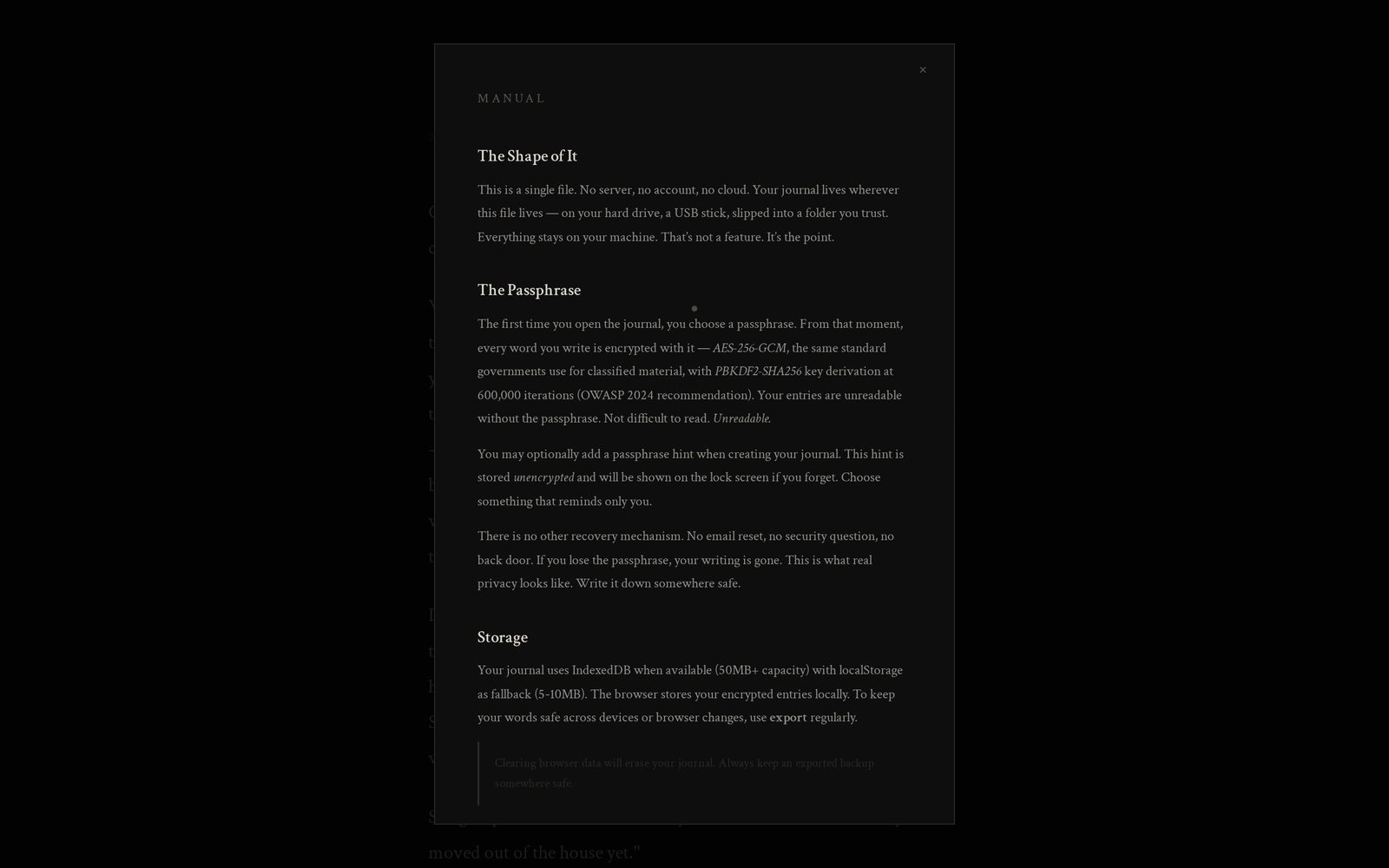
Manual in dark theme Dark Manual The same manual, rendered in the dark theme. 11
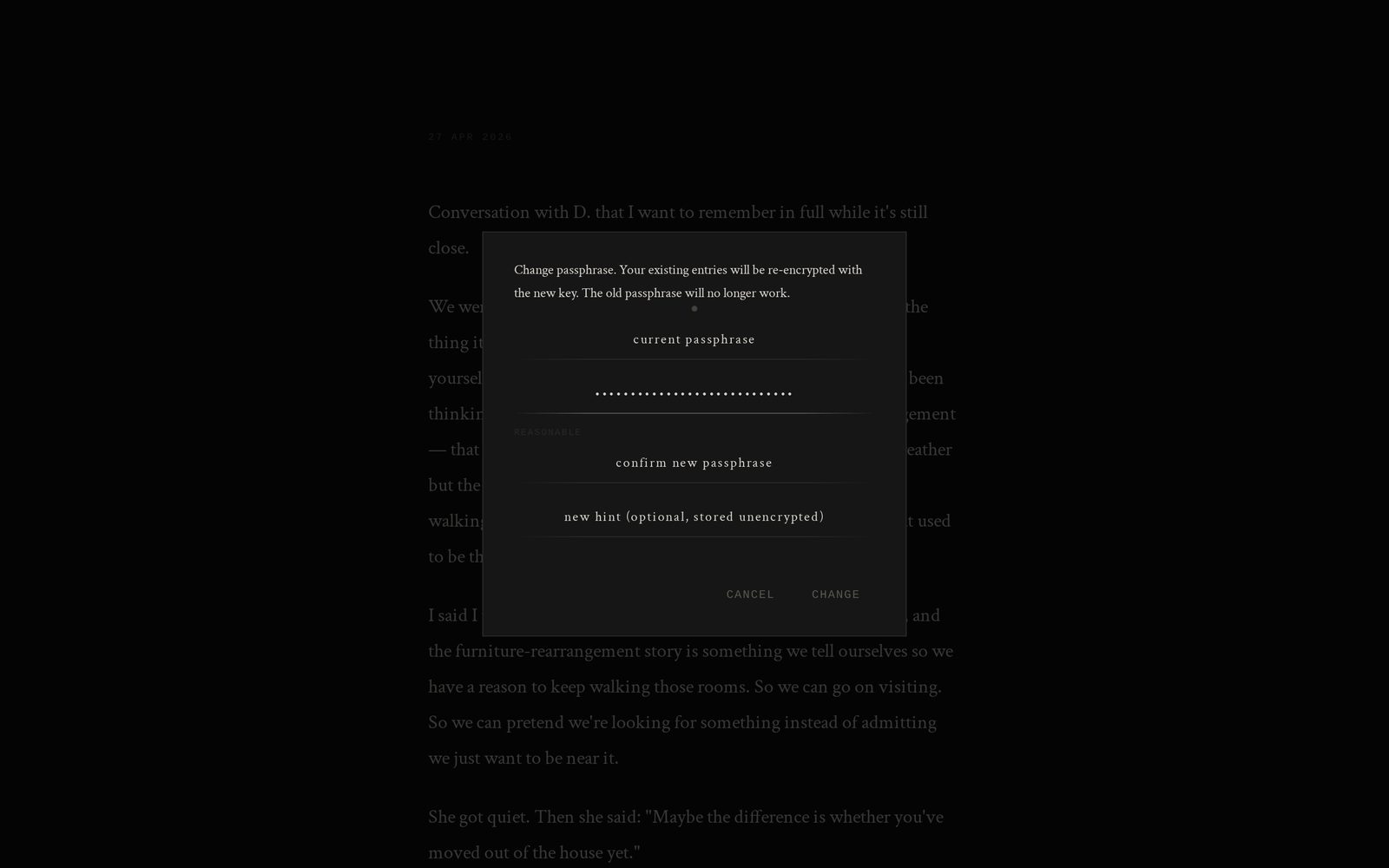
Passphrase settings Dark Security Change the passphrase, set the hint, and configure the idle lock. Minimum twelve characters. 12
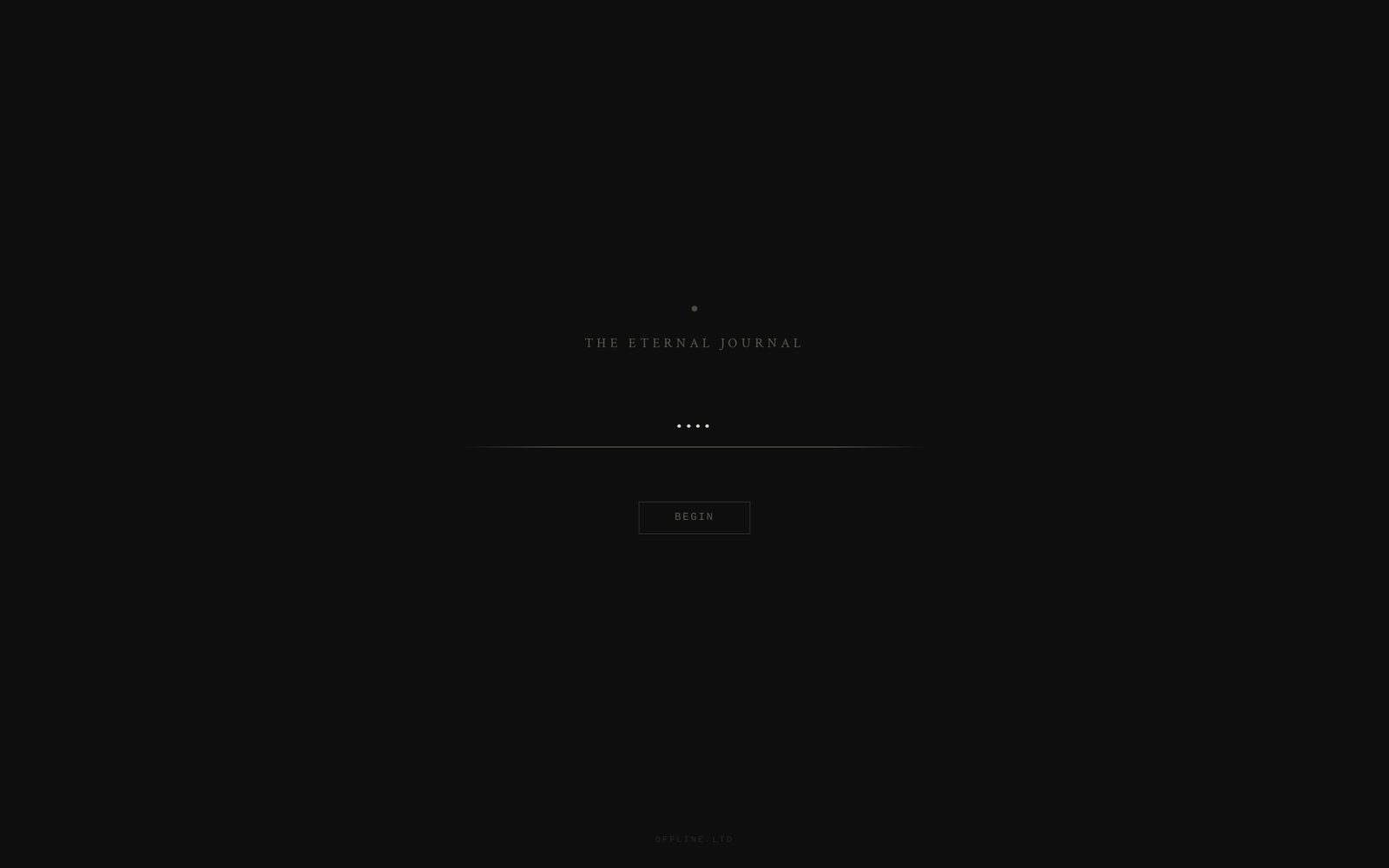
Lock screen Dark Security The journal locks itself when idle. Without the passphrase the file is unreadable ciphertext. 13
Lock screen, parchment theme Light Security The same lock screen in the light theme. 14
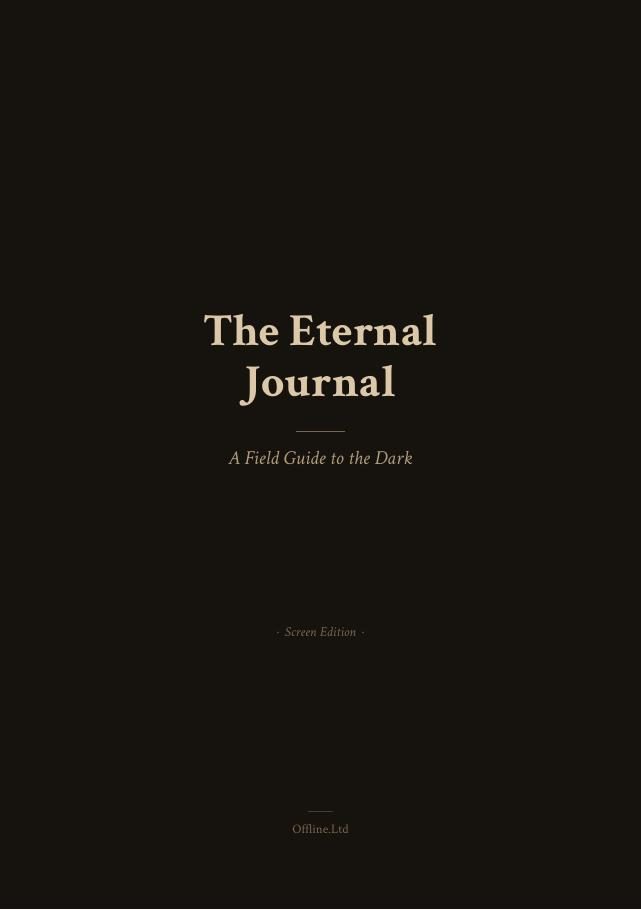
The Eternal Journal Manual Print Document The manual that comes with the download in the dark version for screen. A light version for print and a plain text version are included as well. 15
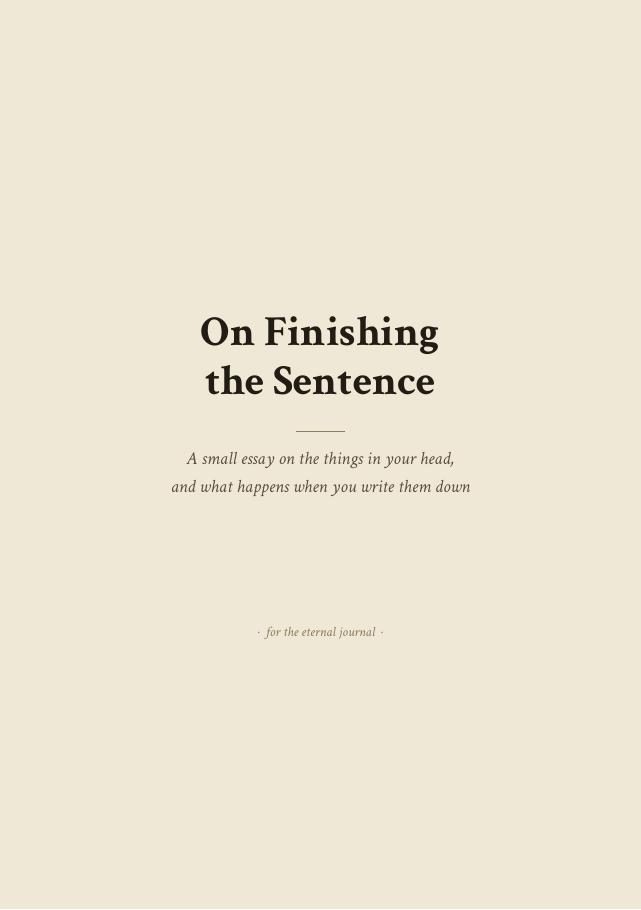
Essay — On Finishing the Sentence Print Document One of the essays included with the journal, on writing without an audience.